
You’re Probably Leaving Rankings on the Table
You’ve installed an SEO plugin. You wrote meta descriptions. You added keywords. Yet your competitor keeps showing up above you.
Why?
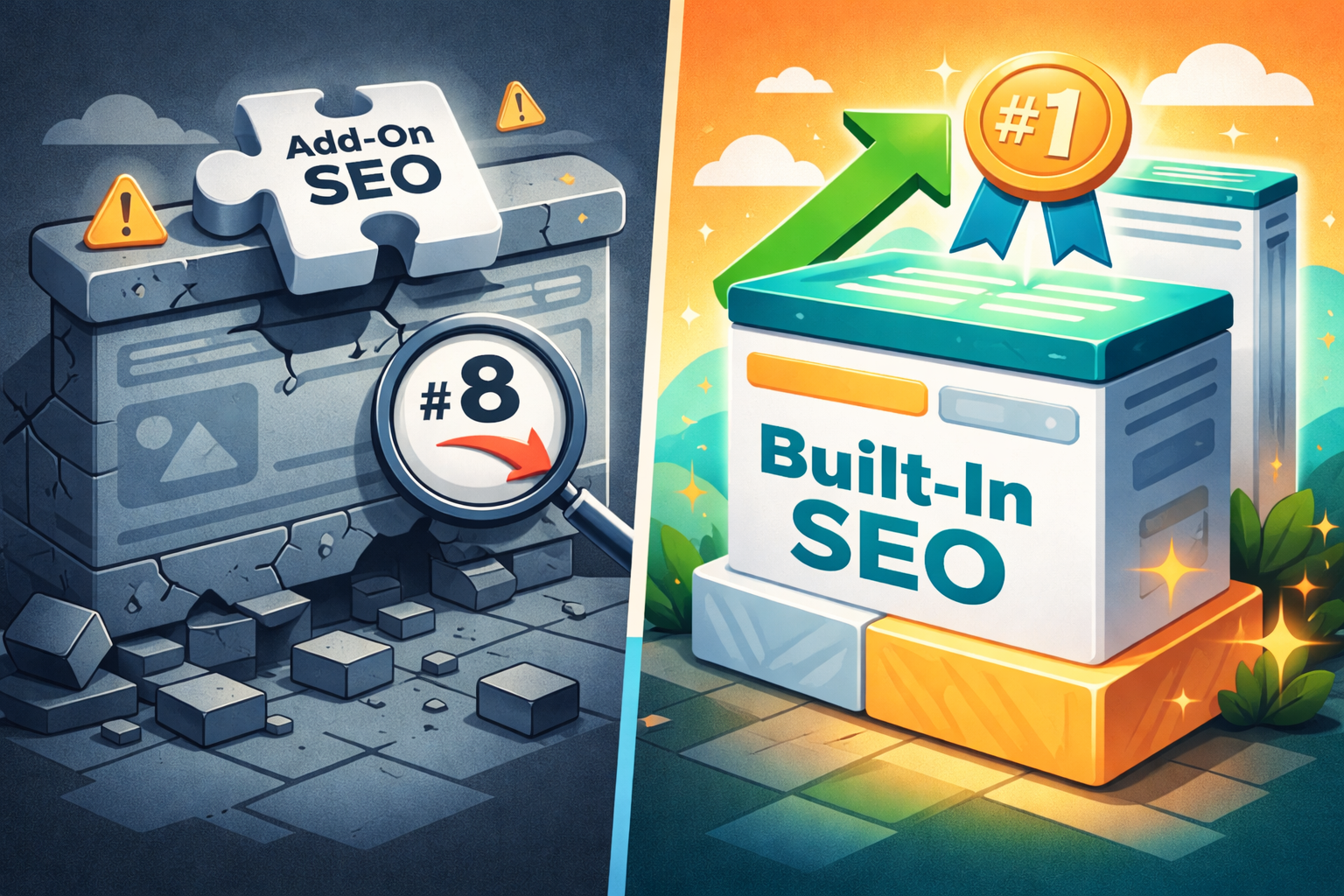
Because you’re using add‑on SEO – a bolt‑on solution – while they’re leveraging built‑in SEO that’s baked into their platform, content, and code from day one.
The difference isn’t subtle. It’s the difference between ranking on page two and dominating page one.
Let’s break down what each approach really means, and why your Google rankings depend on choosing the right one.
What Is Built‑in SEO?
Built‑in SEO means that search engine optimization is part of the core architecture of your website – not an afterthought.
Examples:
- A CMS (like Webflow or custom Next.js) that generates semantic HTML, clean URLs, and automatic sitemaps.
- A theme or framework that includes proper heading hierarchy, schema markup, and mobile responsiveness by default.
- Content workflows where keyword research and user intent shape the writing before a single word is published.
Think: The foundation of a house – you can’t add it later without tearing down walls.
What Is Add‑On SEO?
Add‑on SEO is what most people do: install a plugin (Yoast, Rank Math, All in One SEO) and call it a day.
Examples:
- Adding meta tags via a plugin on WordPress.
- Using a separate tool to generate an XML sitemap.
- Manually writing alt text for images after they’re uploaded.
- Running a speed plugin because the theme is bloated.
Think: A coat of paint over cracked drywall – it looks okay for a while, but the structural problems remain.
The 5 Critical Differences That Decide Rankings
Factor
Built‑in SEO
Add‑on SEO
Page speed
Optimized at the code level (minified CSS/JS, lazy loading by default).
Patched with caching plugins – often still slow.
Mobile friendliness
Responsive by design, tested on real devices.
Responsive via a plugin or theme override – inconsistent.
Schema markup
Automatically injected (Article, Product, FAQ, etc.).
Manually added per page – easy to miss or break.
Internal linking
Suggested automatically based on content silos.
You have to remember to do it.
Technical debt
Low – updates don’t break SEO.
High – plugin conflicts, database bloat, security holes.
Why Add‑On SEO Fails Over Time
Plugins are reactive, not proactive. They can fix a missing meta description, but they can’t fix:
- Slow hosting – no plugin makes shared hosting fast.
- Bad URL structure –
/p=123vs/built-in-seo-guide. - Poor core web vitals – plugins add more scripts, making it worse.
- Thin content – no plugin can write helpful, authoritative content for you.
Google’s algorithms are getting smarter. They don’t just look for keywords – they look for genuinely useful, fast, accessible experiences. Add‑on SEO treats symptoms. Built‑in SEO builds health.
When to Use Each (Real Talk)
Use add‑on SEO if:
- You’re on a tight budget and need a quick fix.
- You’re using a legacy CMS (like old WordPress) and can’t rebuild.
- You only have a few pages and don’t compete on competitive keywords.
Invest in built‑in SEO if:
- You’re serious about organic traffic as a channel.
- You’re building a new site (or rebuilding an old one).
- You want rankings that last through algorithm updates.
- You value page speed as a ranking factor.
How to Move from Add‑On to Built‑in SEO
You don’t have to throw away your current site. Start here:
Audit your foundation – Use Screaming Frog or Sitebulb to find technical debt.
Fix URL structure – Make sure your permalinks are clean and descriptive.
Switch to a performance‑first theme/framework – GeneratePress, Kadence, or custom code.
Reduce plugin dependency – Replace 5 small plugins with one lightweight solution (or custom code).
Build content silos – Organize topics so internal linking happens naturally.
If you’re starting from scratch, choose a platform with SEO built‑in: Webflow, Next.js (with proper meta handling), or even a well‑coded WordPress theme.
The Bottom Line
Add‑on SEO gets you 80% of the way – fast and cheap. Built‑in SEO gets you the last 20% that beats competitors.
Google doesn’t care about your plugin. It cares about your page speed, your structure, your content, and your user experience.
If you’re still relying on a plugin to “do SEO” for you, you’re leaving rankings on the table.
Need Help Deciding?
At [Agency Name] , we don’t just install plugins. We audit your entire tech stack, recommend built‑in improvements, and implement SEO that works long after the plugin is forgotten.
[Book a free SEO audit →] Find out if your rankings are being held back by add‑on bandages.